Workflow automation,
one task at a time.

onething.tools is a small software studio. We automate repetitive work for US small businesses, starting with the one task you'd most like to stop doing.

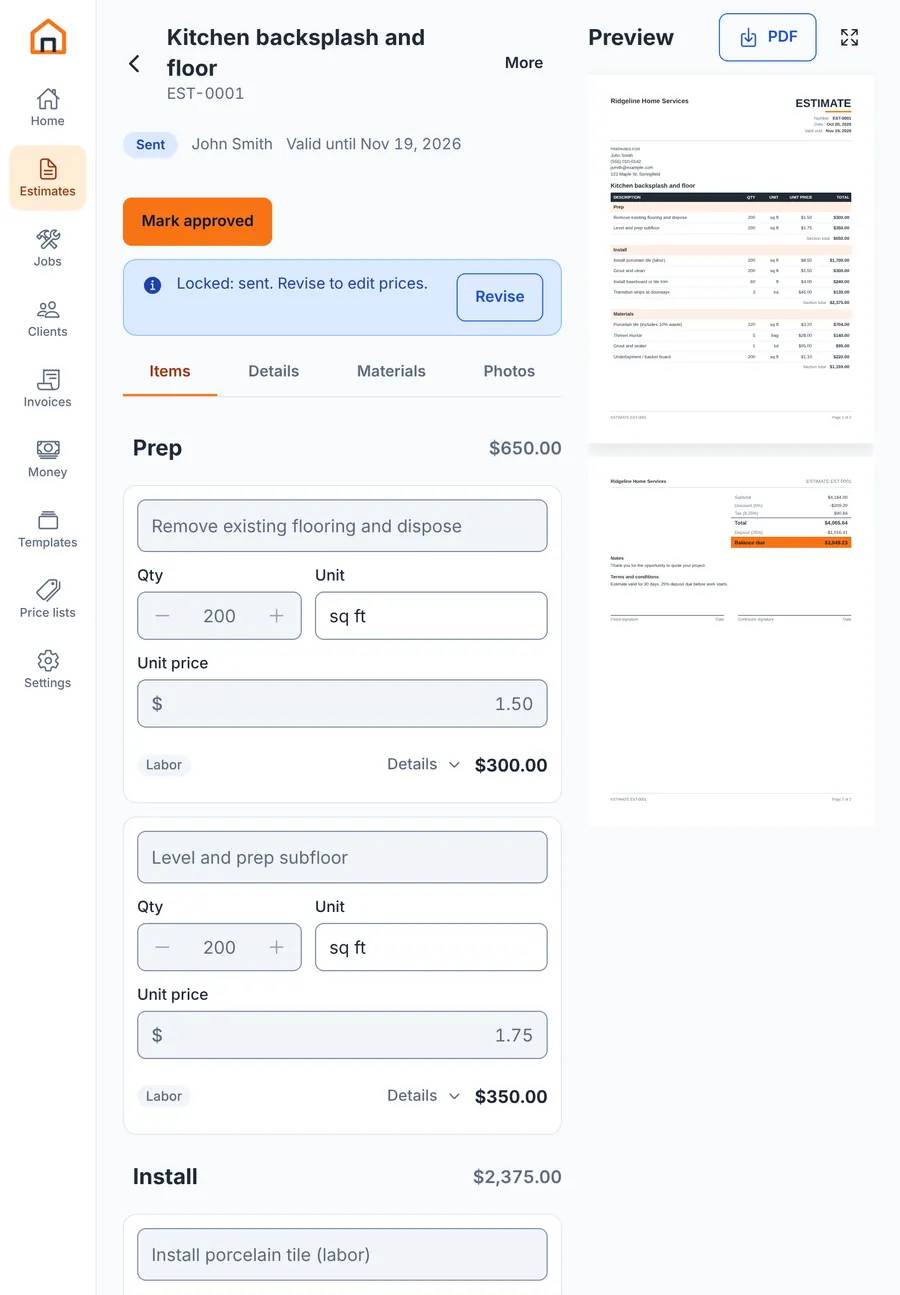
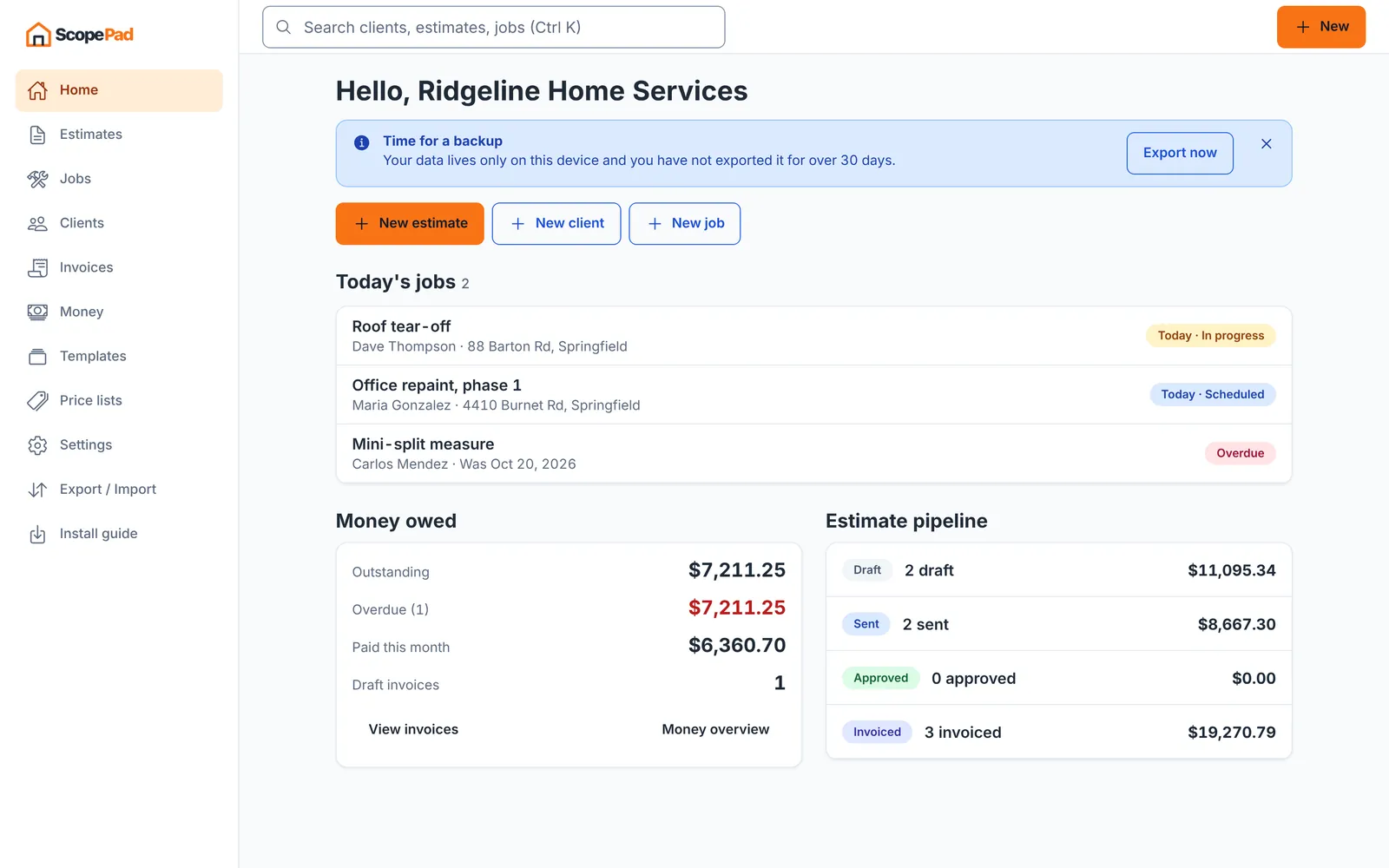
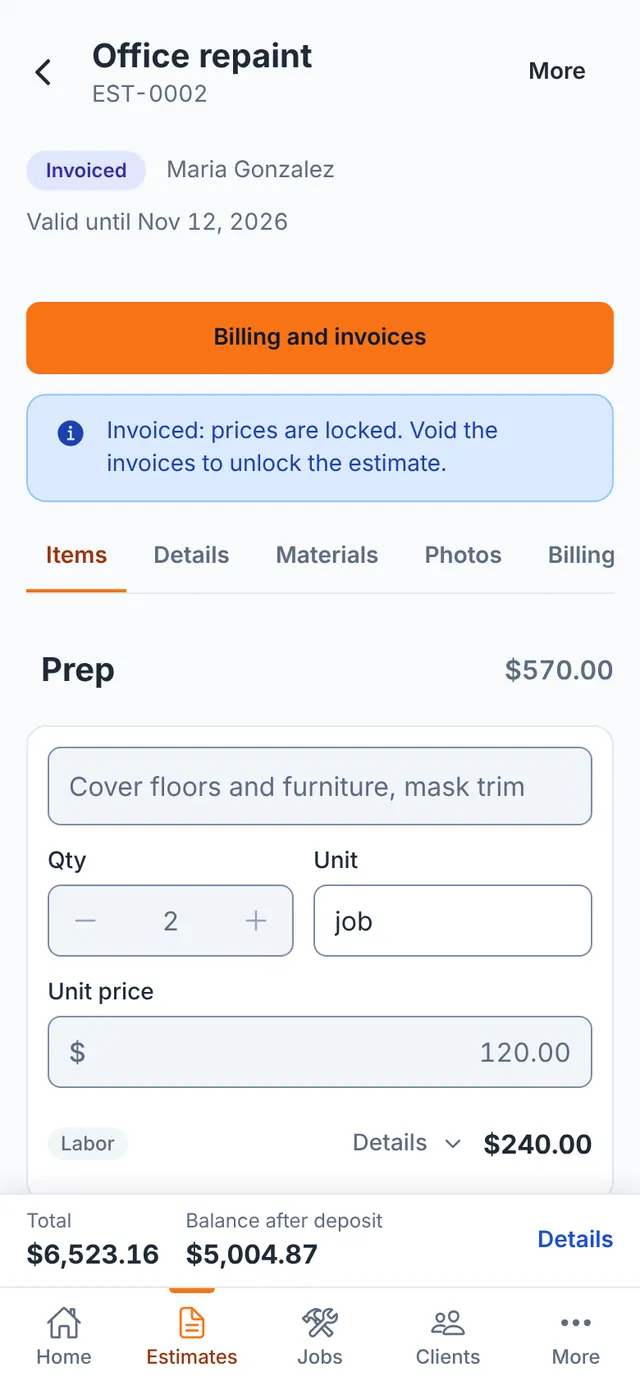
ScopePad's home screen with today's jobs, money owed and an estimate pipeline.ScopePad's estimate screen on a phone, with line items and a total.
ScopePad, our free app for contractors, with sample data.

What we automate

Four kinds of work. Most projects start with one task from one of them.

Lead follow-ups

A form comes in, and someone has to notice it, copy it somewhere and reply. We set this up so each new lead reaches the right person and gets a first reply, and nobody has to remember the follow-up.

  • Web forms sent to your inbox, CRM or spreadsheet
  • A first email that goes out on its own
  • A reminder when a lead has had no answer
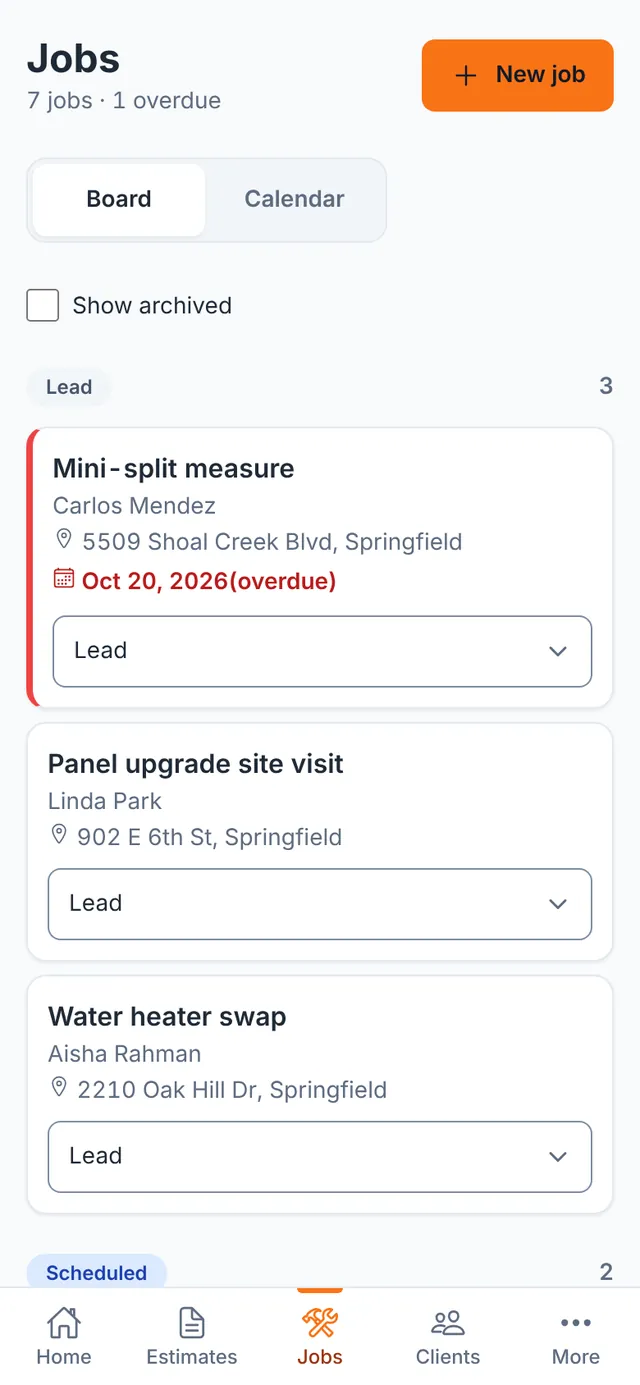
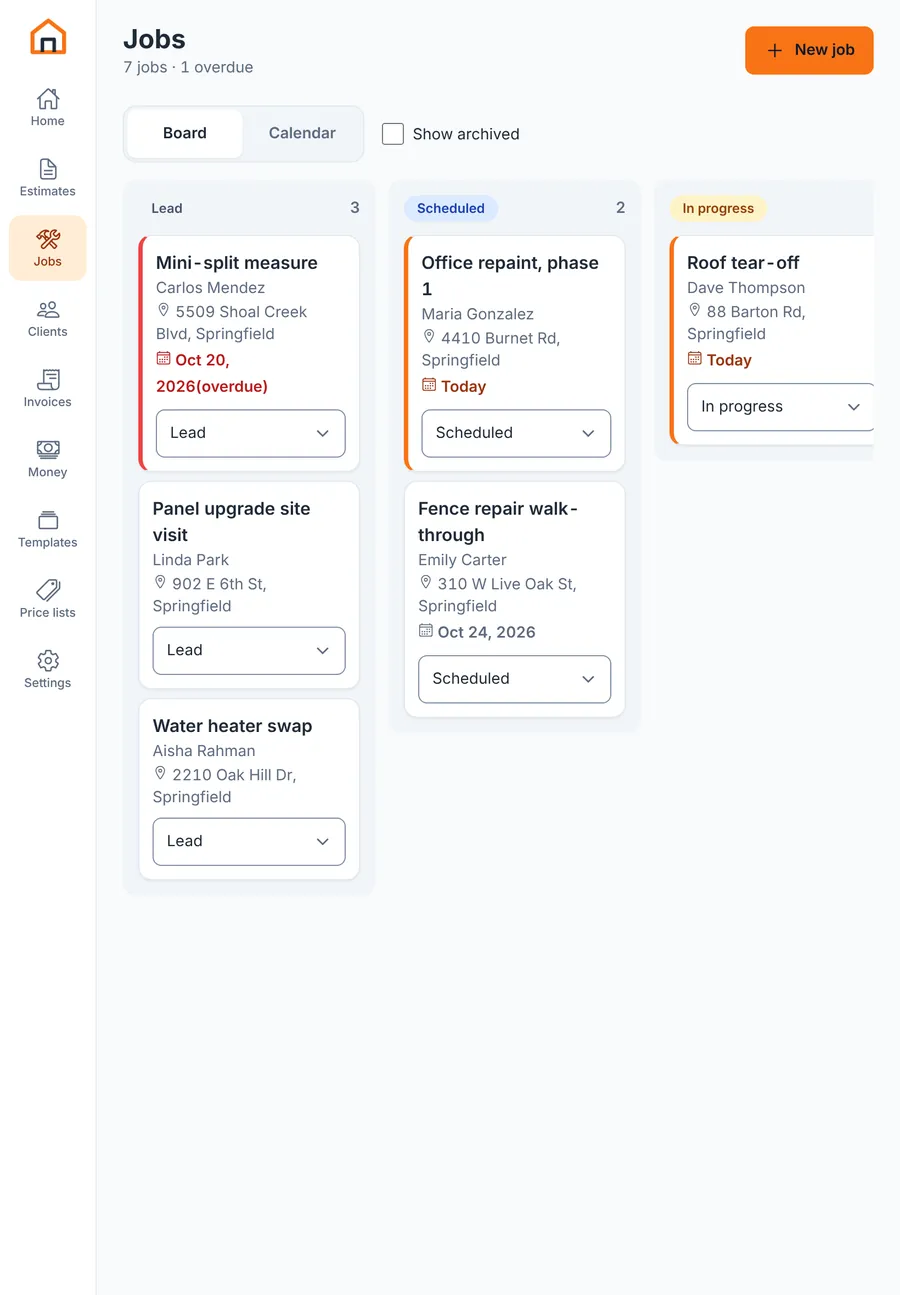
A phone showing a job board with three leads, one marked overdue in red.
Leads with an overdue flag, in ScopePad.

CRM integrations

A CRM only helps if the data gets there. We connect it to your forms, inbox, invoicing and calendar, so the same contact doesn't get typed in three times. We read the API docs before we quote. If a connection can't be done cleanly, we'll tell you.

  • New contacts created from forms and email
  • Deal or job status kept in step across apps
  • Data moved out of a tool that has no integration, by export or API
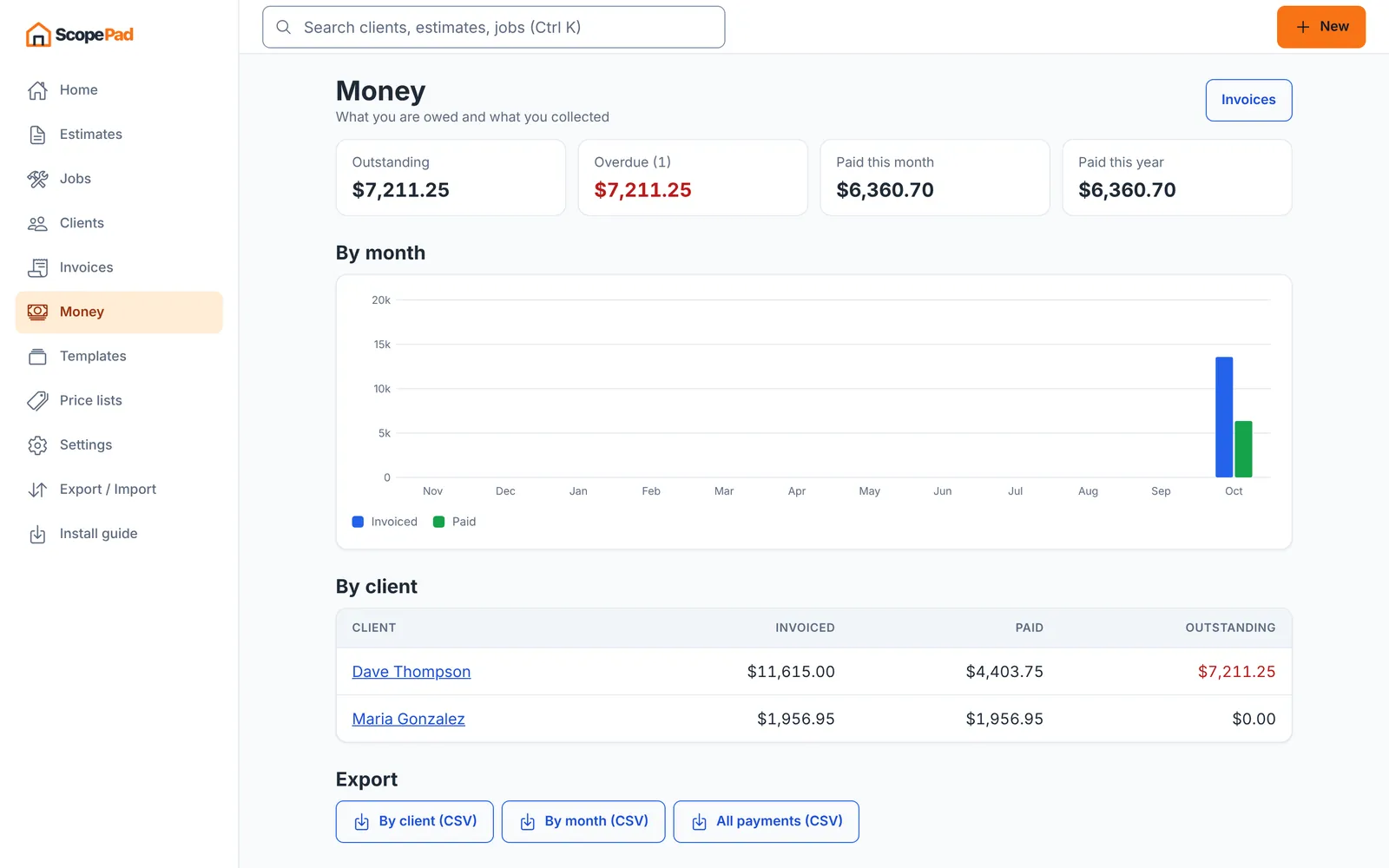
A desktop screen with totals invoiced and paid by month and by client, with CSV export buttons.
Totals by client with CSV export, in ScopePad.

Repetitive tasks

The report someone builds by hand every Friday. The estimate retyped as an invoice. The files renamed and sorted one at a time. If the steps are the same each time, a script can usually do them and flag the odd cases for a person.

  • Reports built and sent on a schedule
  • Documents and PDFs filled from your data
  • Files named, sorted and backed up
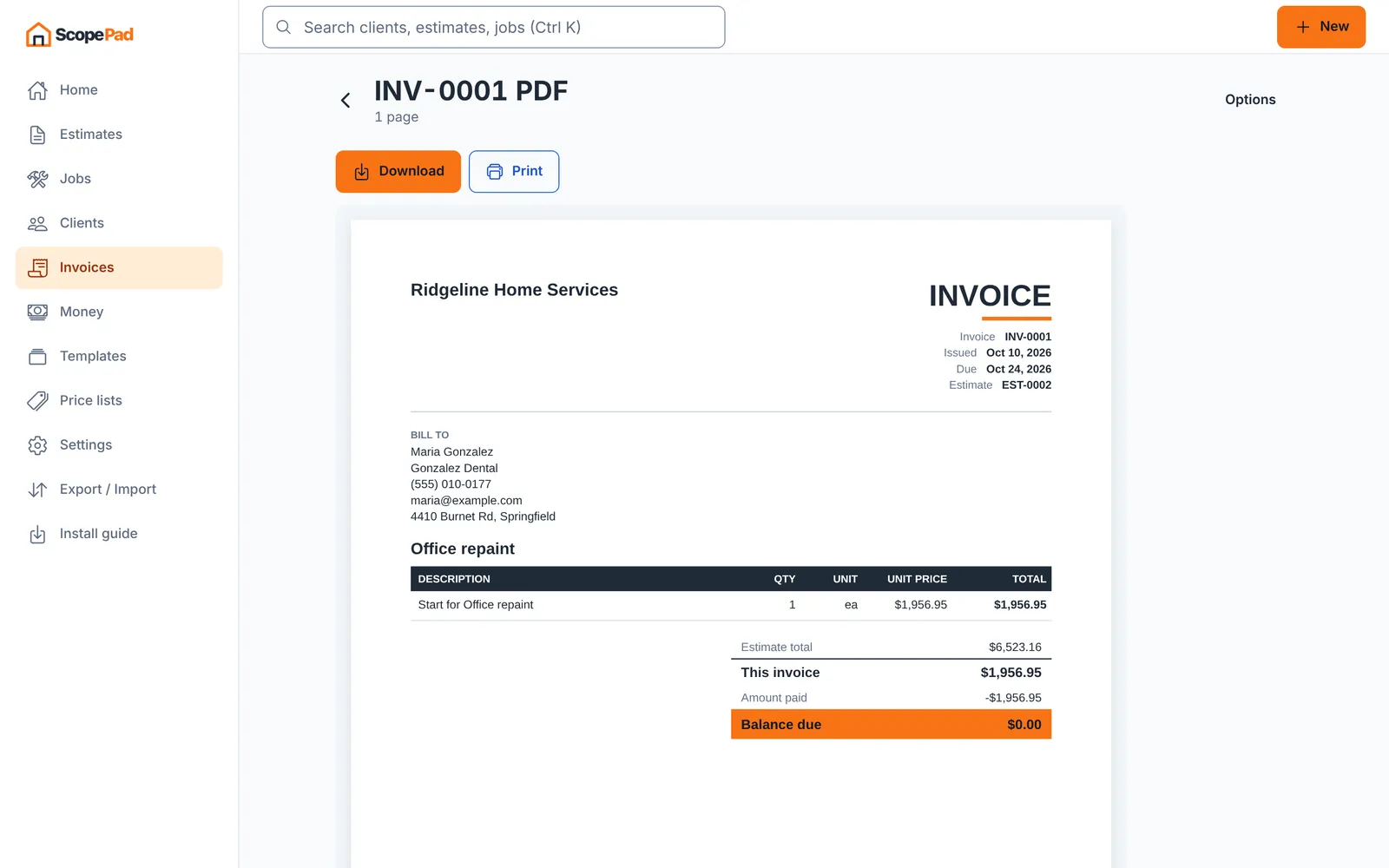
A finished invoice PDF for a sample client, generated from an estimate.
An invoice PDF made from an estimate, in ScopePad.

AI automation

AI fits work that's too messy for fixed rules. We keep a person in charge of anything a customer sees, and if plain rules would do the job, we'll use those instead.

  • Inbound email sorted by what it's asking for
  • Fields pulled out of PDFs, forms and photos
  • Draft replies a person approves before they go out

New email: "Can you quote a water heater swap this month?"

Sorted as Quote request

Draft reply Thanks for reaching out. To quote this we need the tank size and your ZIP code.

Approve and sendEdit

An example of an approval step, with made-up text.

What does this task cost you?

Pick one task you repeat and put in rough numbers. This shows what it costs today, not what automation would save. Some of that time would stay, and the build has a price too.

$7,800a year, from about 260 hours of workAdd this to my message

Minutes × times per week × 52 weeks ÷ 60, times the hourly cost.

How it works

  1. You tell us the task

    Use the form on this page. Say what the task is, how often it happens and which tools it touches. A rough description is fine.

  2. We look at your tools

    We check whether your software has an API or export that allows this, and we ask about anything we can't see from the outside.

  3. You get a scope and a price

    Both in writing, before any work starts. If the task isn't worth automating, we'll say so.

  4. We build it and hand it over

    We run it on real cases with you, fix what breaks and write down how it works, so you aren't stuck with something nobody can explain.

What we've built so far

Client automation is new for us, so there are no case studies here. This is software we built and run ourselves, and you can try most of it right now.

  • 48 free tools: calculators, planners and file tools, live on this site.
  • Quote forms on our cost calculators, with validation and spam filtering, that send each request on to a private backend.
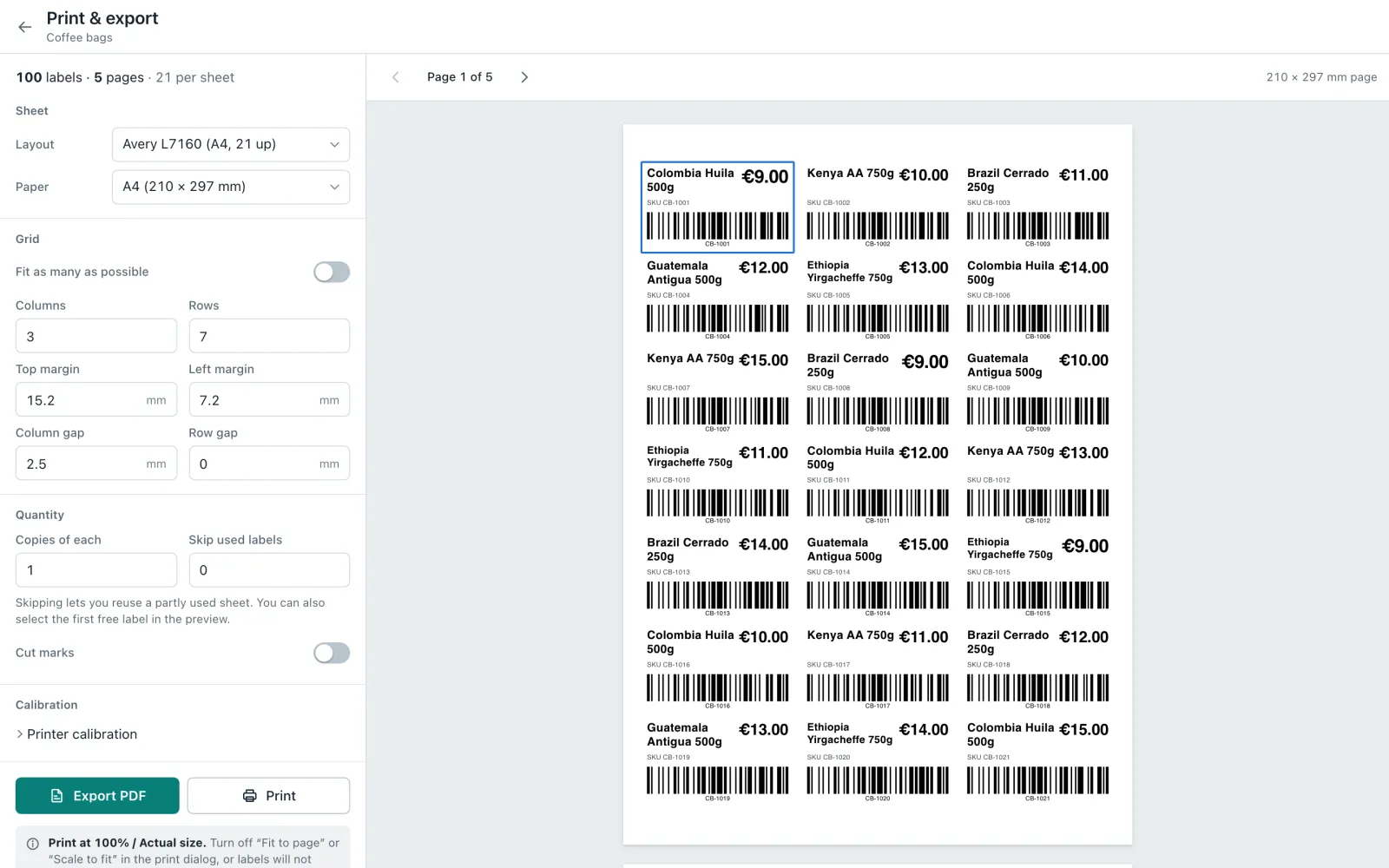
LabelFlow's print screen showing a full sheet of barcode labels.
LabelFlowImport a CSV and every row becomes a label, printed at true size
ScopePad's job board on a tablet.
ScopePadWorks offline, with backup and sync to Google Drive or OneDrive

Questions

Have you done this for other businesses?

This is a new service for us, so we don't have client case studies to show you yet. What you can check is the software we've already built, most of it free to use.

What does it cost?

It depends on the task, so we don't post prices. You get a written scope and price before any work starts.

Will this save me money?

We can't promise that. The calculator on this page shows what a task costs today. Whether automating it pays off depends on the price of the build and how much of the task can really go away. We'll go through that with you in the scope.

Which tools can you connect?

Anything with a usable API, webhook or export. That covers many CRMs, email and calendar apps, spreadsheets and invoicing tools, but not all of them, so we check yours before we quote.

Do I have to use AI?

No. A lot of repetitive work runs fine on plain rules and scripts, which are easier to check. We suggest AI only where the input is too messy for rules.

What happens when something breaks?

Every automation fails sometimes. An API changes, or a form gets a new field. The scope spells out who watches for that and what support looks like after handover.

Are the free tools changing?

No. They're still free, with no sign-up.

ScopePad's estimate editor on a tablet.
ScopePad's estimate editor on a tablet, with sample data.

Tell us the one task

Describe the task you'd hand off first. We'll read it and tell you whether it looks like something we can automate.

Or write to [email protected] directly.

This opens your email app with your message filled in. Nothing is sent until you press send. See our privacy policy.